
Start Your Gaming Journey with Blender Software
Apr 15, 2026
If you’ve been exploring game development, animation, or 3D design, you’ve probably heard about the Blender software. And yes, it really is as powerful as people say.
But here’s the truth most beginners face.
They download Blender with excitement, watch a few tutorials, try to follow along, and within a few weeks, they feel stuck. Nothing they create looks good enough. Nothing feels clear. Slowly, they lose confidence and quit.
The problem is not the Blender software. The problem is the way most people try to learn it.
The good news is you don’t need expensive tools or paid software to start. Blender is completely free. What you actually need is the right direction so your effort turns into real skill.
1. What is Blender Software?
In simple terms, Blender software is a complete tool for creating 3D content.
You can use it to:
- Design 3D models
- Create animations
- Build game environments
- Add textures and lighting
- Even create short films or YouTube content
And the best part, it is free and open-source. No subscriptions. No hidden costs.
Let’s make this practical.
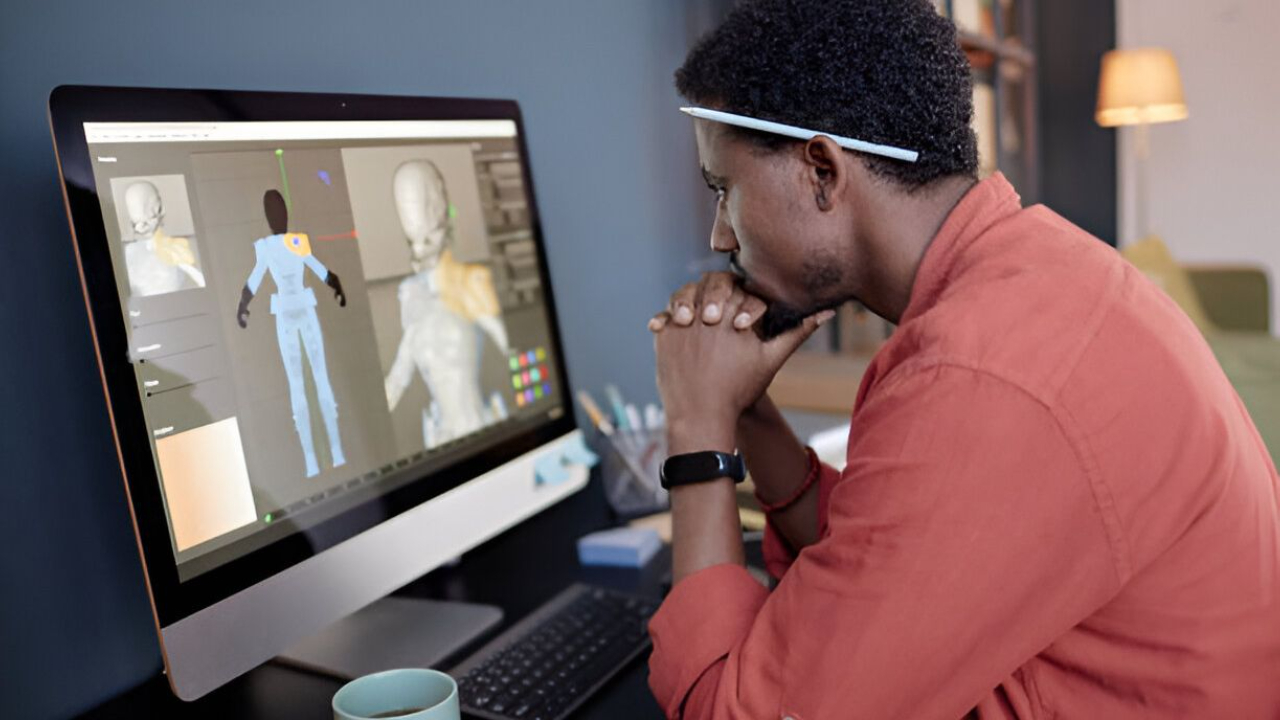
Imagine you want to create a game character. With Blender software, you can design the character from scratch, shape it, add colors, and even prepare it for use inside a game engine like Unity.
This is not just learning software. This is learning how real game assets are created.
2. Why Use Blender Software?
There are many tools out there, but Blender software stands out for reasons that actually matter.
- First, it is beginner-friendly once you understand the basics. The interface may look confusing at first, but within a few days of proper practice, it starts making sense.
- Second, it is completely free. Many 3D softwares charge you heavily, whereas Blender removes the cost completely.
- Third, it is used in real industries. Game studios, animation creators, YouTubers, and freelancers all use Blender to create production-level work.
- Fourth, there is massive community support.
But here’s where most beginners go wrong. They depend too much on tutorials.
Watching tutorials feels like progress, but it does not build skill. That is why most students stay stuck even after months of “learning.”
3. How to Get Started with Blender Software
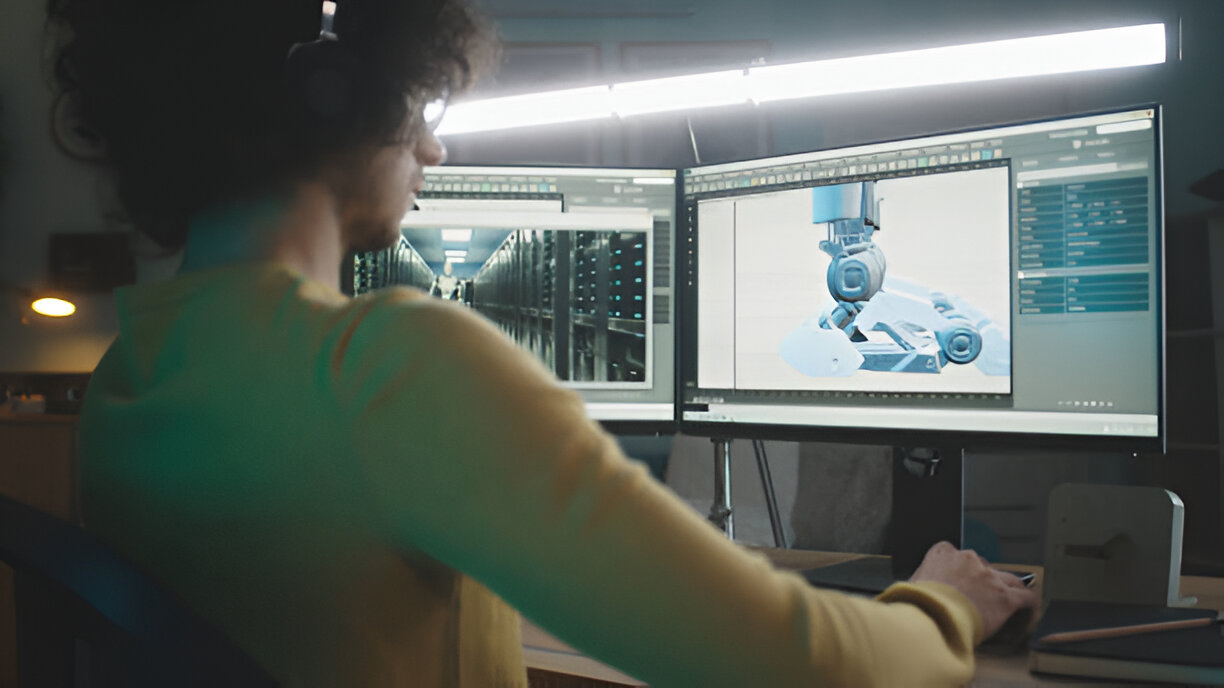
Starting with the Blender software is easy. Starting it the right way is what most people miss.
Step one is downloading Blender from the official website and installing it.
Step two is learning the basic controls:
- Move, rotate, scale
- Camera navigation
- Basic object creation
Step three is following a structured learning path.
This is critical.
Most beginners jump from one YouTube video to another. There is no sequence. No roadmap. No clear outcome. That is why progress feels slow.
Step four is building small projects.
For example:
- A coffee mug
- A simple room
- A basic 3D object with lighting
These small projects are not “basic.” They are your foundation.
Students who build 5 to 10 small projects understand more than those who watch 50 tutorials.
4. Tips for Beginners
If you want to actually learn Blender software, follow these practical rules.
- Start simple. Do not try to create game characters in your first week.
- Do not rush. Skill takes time, especially in creative fields.
- Practice daily. Even 30 to 60 minutes consistently is enough to improve.
- Recreate, don’t just watch. If you watch a tutorial, close it and try to build the same thing yourself.
- Focus on output. At the end of each week, you should have something you created.
- And most importantly, enjoy the process. If you only chase results, you will get frustrated.
5. Common Mistakes to Avoid
Let’s be honest. Most beginners fail for predictable reasons.
- The first mistake is trying advanced projects too early. This leads to confusion and self-doubt.
- The second mistake is passive learning. Watching tutorials without practice gives a false sense of progress.
- The third mistake is inconsistency. Learning once a week will not build skills.
- The fourth mistake is trusting the wrong learning sources.
Many institutes promise “game development careers” but do not teach actual production skills. Students spend money, but still cannot create a complete project on their own.
A strong indicator is this.
If, after 2 to 3 months of learning, you still cannot create a basic 3D scene independently, your learning method is not working.
If you are serious about learning Blender software, you need to make one clear decision.
Do you want to keep watching tutorials and hoping things will click someday?
Or do you want to follow a structured path that leads to real outcomes?
The gaming and 3D industry does not care how many videos you watched. It cares about what you can create.
- Can you build assets?
- Can you design environments?
- Do you have a portfolio that proves your skill?
This is where the right system changes everything.
If you’re stuck in tutorial mode, the problem isn’t effort, it’s direction. At Gamer2Maker, you don’t just ‘learn Blender.’ You build game-ready assets, work on structured projects, and get feedback from mentors who’ve already done it.
Students who once struggled with basics have gone on to create:
- Complete 3D environments
- Game-ready assets
- Portfolio projects that actually showcase skill
The difference is not talent. The difference is direction. If you don’t want to waste another few months figuring things out alone, start learning Blender software the right way.
Take action, build real skills, and move toward a career you actually enjoy with Gamer2Maker.